
From Confusion to Clarity: Mastering Usability Design

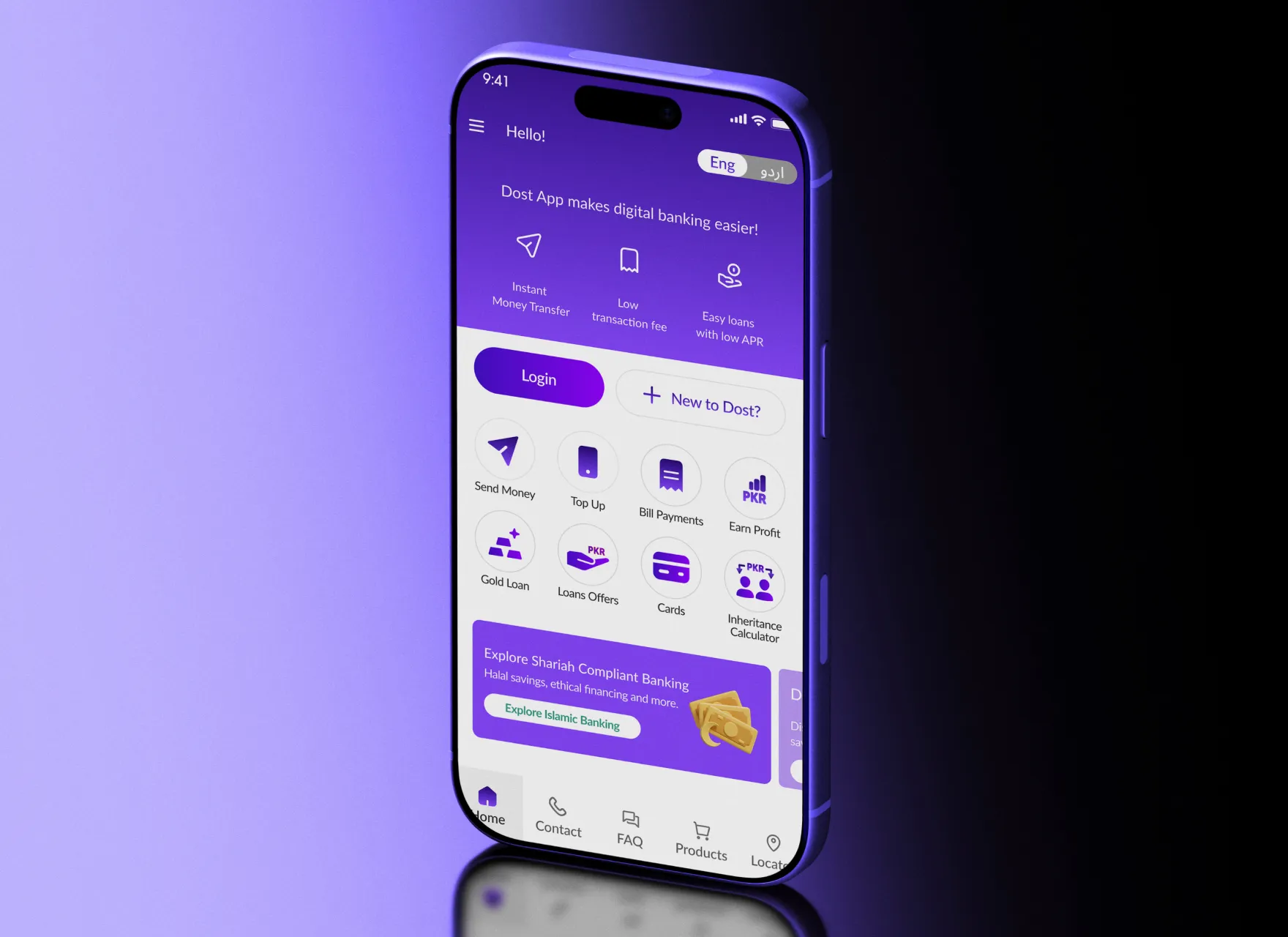


Author and UX expert Steve Krug's seminal usability insight distills to three simple words: "Don't make me think." At its core, usability is fundamentally about removing friction and enabling people to navigate your product intuitively toward their objectives. It blends thoughtful interface design, inclusive accessibility practices, and insights from actual user behavior. When users encounter friction in figuring out how to proceed, the design has failed them.
Usability extends far beyond that critical first moment. It encompasses the entire user experience arc, from the initial interaction through task completion. Every touchpoint, every step, every decision point carries weight. True usability is measured not by what catches the eye, but by how seamlessly users move through their entire journey with your product.
Essentially, usability is the difference between a product that cultivates devoted customers and one that watches its audience drift to alternatives.
The Usability Framework: Core Principles and Practical Heuristics
Jakob Nielsen, a pioneer in web usability research, developed the Five Pillars of Usability; learnability, efficiency, memorability, error prevention, and satisfaction. These five elements work in concert to identify what separates intuitive products from frustrating ones, remaining the gold standard for understanding true usability.
To operationalize these pillars, Nielsen developed a complementary toolkit: his 10 Usability Heuristics. These principles translate the theory of the Five Pillars into practical, actionable guidance for evaluating and improving any interface.
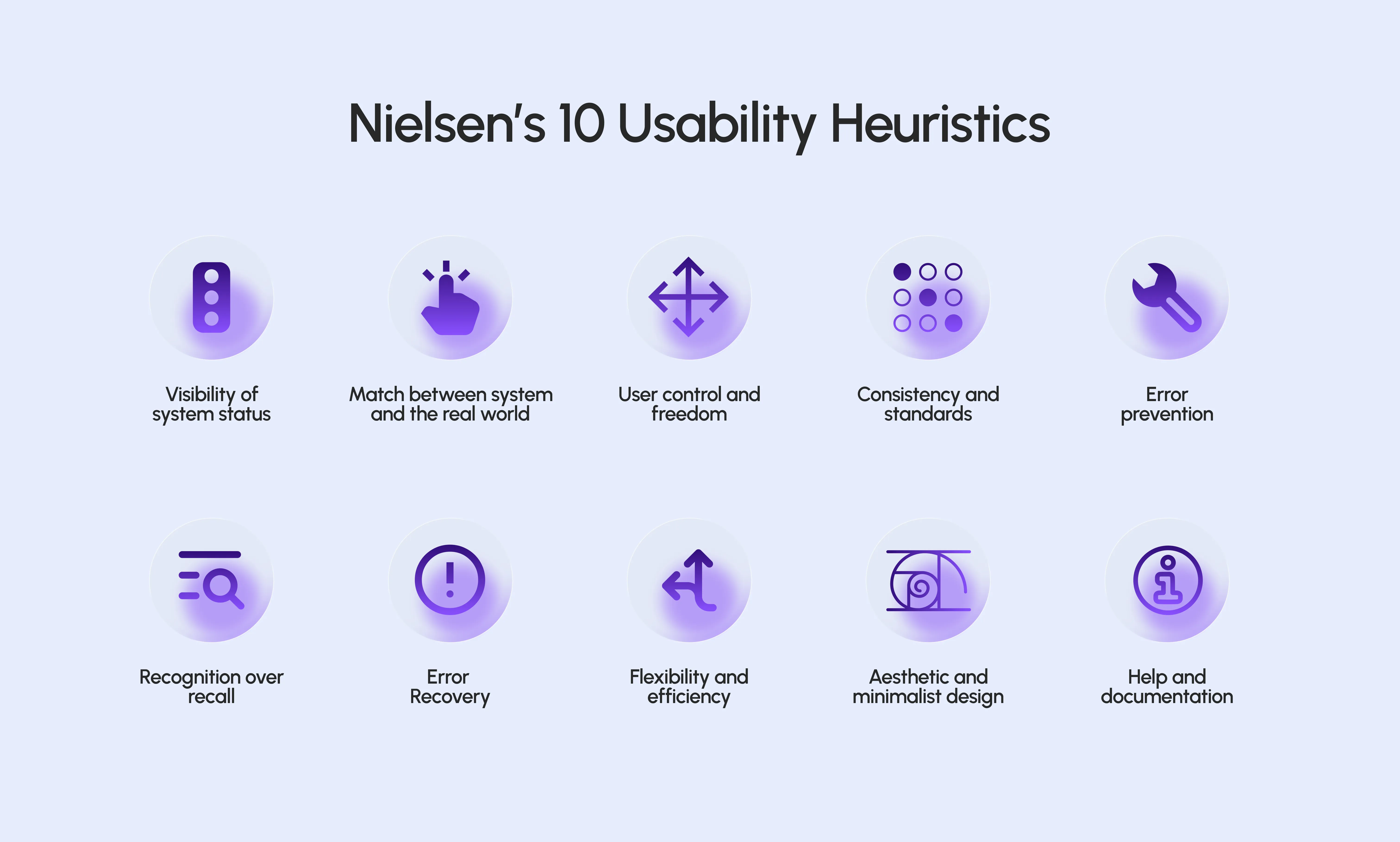
These principles serve as a diagnostic toolkit for evaluating any interface:
- System Status Visibility – Maintain transparent communication about what's happening. Progress indicators, activity spinners, and informational alerts keep users grounded and confident.
- Real-World Matching – Adopt the vocabulary and mental models of your audience. Speak in their terms, not behind corporate or technical curtains.
- User Control and Freedom – Grant users a graceful way out. Straightforward undo features and cancel buttons empower exploration without fear.
- Consistency and Standards – Parallel actions should produce parallel results. Preserve established interface conventions unless there's compelling justification to deviate.
- Error Prevention – Anticipate and eliminate problems before they materialize. Strategic confirmation prompts shield users from irreversible missteps.
- Recognition Over Recall – Present options visibly rather than hiding them. It's always easier to choose from visible options than it is to remember it from scratch.
- Error Recovery – Errors are inevitable; handle them gracefully. Transparent explanations and actionable guidance convert mishaps into learning moments.
- Flexibility and Efficiency – Accommodate varied experience levels within one interface. Power-user shortcuts accelerate workflows for those who've mastered your product.
- Aesthetic and Minimalist Design – Strip away the superfluous. Every component should justify its presence with clear functionality.
- Help and Documentation – Ensure guidance is within reach when required. Excellent products minimize the need for help but provide outstanding support when needed.
Learning From Industry Leaders
Market-leading organizations demonstrate usability excellence through restraint and clarity:
- Google Search – Perhaps the most refined interface ever designed. One search field. Two action buttons. Complete focus on what matters.
- Amazon One-Click – Obliterates friction by reducing the path from desire to purchase to its absolute minimum.
- Duolingo – Transformed the perception of educational apps by packaging complex subject matter into an engaging, game-like interaction model.
- Notion – Democratized sophisticated organizational tools by wrapping powerful capabilities in an accessible, approachable interface.
These leaders share a fundamental insight: usability isn't about reduction, it's about making functionality feel simple.
From Principles to Practice
Absolute perfection in usability is neither achievable nor necessary. Different users bring different requirements, and products must evolve to serve them. Your objective should be relentless incremental progress, not impossible flawlessness.
True mastery in usability becomes virtually unnoticeable. When users operate seamlessly toward their aims without stumbling over interface mechanics, you've succeeded.

At NCRi Solutions, we combine research, strategy, and thoughtful design to turn usability principles into products users genuinely love. From cohesive brand systems and intuitive product architecture to dev-ready interfaces and live websites, we create digital experiences that look premium and function seamlessly.
Ready to put these principles into practice? Book a consultation with us and see how we can elevate your user experience.


